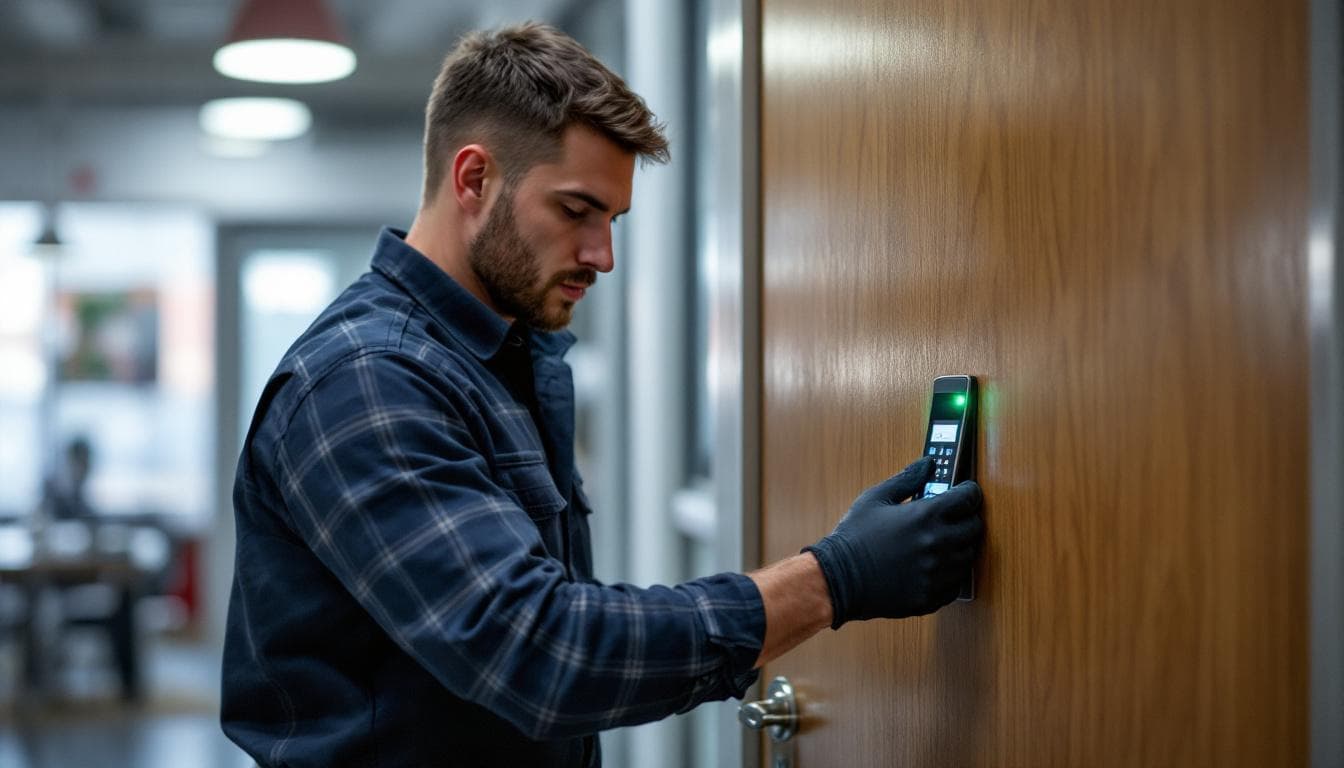
Small businesses across the Inland Empire — retail stores in Fontana, medical offices in Loma Linda, contractor offices in Fontana, restaurants in Rancho Cucamonga — share a specific set of security management challenges that traditional key-and-deadbolt systems handle increasingly poorly.
The core problem: keys are static credentials. They work until lost or copied, and you cannot turn them off.
When an employee leaves your business — voluntarily or otherwise — you have no reliable way of knowing whether they returned their key, whether they made copies, or whether that key is now being shared with people you do not know. The only reliable solution is rekeying every affected lock. At $25–$45 per lock plus a service call fee, that adds up quickly in any business with meaningful staff turnover.
Access control systems replace static keys with dynamic credentials. This guide explains the practical options for Inland Empire small businesses at every budget level.
The Four Types of Access Control for Small Businesses
1. Standalone Keypad Deadbolts
The entry point of access control. A keypad deadbolt replaces or supplements a traditional deadbolt with a code-entry mechanism. Users enter a PIN to unlock. No physical key required for most access scenarios, with a physical key as backup.
Best for: Single-entry small offices, retail shops with one back door, individual storage units.
Pros: Low upfront cost, no subscription required, easy installation, familiar technology.
Cons: No per-user access tracking (everyone uses the same codes), no automatic time-based restrictions on basic models, codes must be distributed verbally or in writing.
Recommended products: Schlage Encode Plus ($220–$280 retail), Kwikset Halo Touch ($175–$230 retail).
Installed cost (single door): $310–$420
2. Standalone Card / Fob Access
Users receive an RFID card or key fob that unlocks a specific door when held near the reader. The controller is stored at the door itself (standalone = no network connection required for operation).
Best for: Small offices with 5–25 employees, medical offices, retail back-of-house access.
Pros: Per-user credentials (each person has their own card/fob), easy to deactivate individual credentials at the controller, more professional presentation than a keypad.
Cons: Programming new or deleted credentials requires physical access to the controller, no remote management, cards/fobs can be lost.
Recommended products: Schlage Electronics CO-100, HID VertX EVO.
Installed cost (single door): $450–$750
3. Networked Card / Fob / Smartphone Access
A controller connected to your business network enables remote credential management through a software dashboard. Cloud platforms like Kisi, Openpath, and Salto provide browser or app-based management accessible from anywhere.
Best for: Businesses with 10+ employees, multiple locations, or a need for access event logging and remote management.
Pros: Real-time remote management (add/delete credentials from your phone anywhere), complete access logs with timestamps, time-based schedules, multiple door management from one interface, smartphone credential options.
Cons: Monthly subscription for cloud features ($15–$50/month), higher upfront hardware cost, requires IT infrastructure.
Installed cost (single door, networked): $650–$1,200
Installed cost (3-door system): $1,800–$3,200
4. Video Intercom with Access Control
Combines a video camera, two-way intercom, and electronic door release into a single system. Visitors are verified visually before being granted access. Common in medical offices, attorney offices, and businesses where all visitor entry is managed.
Pros: Visitor screening before access, visual record of all entry attempts, professional appearance.
Cons: Requires staff monitoring, higher cost per door.
Installed cost (single entry): $900–$1,800
The Turnover Math: When Access Control Pays for Itself
Consider a small Inland Empire retail business with 3 exterior locks and 8 employees, experiencing typical retail turnover (3–4 departures per year):
With traditional keys:
- Rekeying 3 locks per departure: $150–$180 (service + labor)
- 4 departures per year: $600–$720/year in rekeying costs
- Plus risk cost of any unreturned keys not caught in rekeying
With standalone keypad access:
- One-time installation: $950–$1,400 (3 doors)
- Annual cost: $0 for credential management (change the codes after each departure)
- Payback period vs. rekeying costs: 18–28 months, then ongoing savings
With networked card access:
- One-time installation: $1,800–$2,800 (3 doors, networked)
- Annual software subscription: $540–$720
- Annual savings vs. rekeying: Roughly cost-neutral at this size, with significant security and management advantages
For businesses with higher turnover or more complex multi-door requirements, networked systems typically show positive ROI within 24–36 months.
What to Assess Before Choosing a System
1. How many entry points need coverage? One door or ten doors is a fundamentally different project scope.
2. How many staff need access? 5 people vs. 50 people changes the credential management requirements substantially.
3. What is your average staff tenure? Higher turnover = stronger argument for keypad or card systems over traditional keys.
4. Do you need time-based access restrictions? Warehouse staff who should only enter during their shift requires a system with scheduling capability.
5. Do you need remote management? If you travel or have multiple locations, remote management access is not optional — it is essential.
6. What is your IT infrastructure? Networked systems require a stable business Wi-Fi network and potentially IT support. Standalone systems work in any environment.
Lock Busters provides free on-site assessments for commercial access control projects across the Inland Empire. Call (909) 935-8844 to schedule.
What the Industry Data Says
Electronic access control adoption among U.S. small businesses has grown steadily, driven by both security and operational benefits. The U.S. Small Business Administration's Office of Advocacy estimates that physical-security incidents — forced entry, internal theft, key-control failures — cost U.S. small businesses approximately $50 billion annually[^sba-security]. The Security Industry Association reports that the U.S. access-control market grew at roughly 8 percent compound annual growth through 2024, with cloud-managed systems now representing the majority of new small-business installations[^sia-market]. The National Institute of Standards and Technology publishes detailed guidance (SP 800-116) on PIV and access-credential management that, while written for federal contexts, defines best practices that flow down to commercial systems[^nist-800-116].
"The single best argument for electronic access control in a small business isn't the door security — it's the audit trail. The day you have an inventory shrink question, an after-hours alarm, or an employment dispute, the access log is the first piece of evidence anyone asks for."
— Lloyd Seliber, commercial-hardware instructor and longtime industry educator
What to Do Right Now
- List the doors that need controlled access. Front entry, back of house, server closet, cash room, inventory storage — anywhere a key currently exists is a candidate for electronic credentialing.
- Inventory current key holders and recover keys from any former employee, contractor, or vendor. Broken key control is the most common reason small businesses upgrade to access control.
- Call (909) 935-8844 for an on-site access-control consultation. We design and install systems across IE small-business markets. CA License #LCO 7776.
Specific Systems Common in the Inland Empire Small-Business Market
The access-control product market has consolidated meaningfully over the past 5 years. The systems we install most often for IE small businesses:
- Schlage Engage (single-door, cloud-managed). Grade 1 commercial-rated wireless lock with mobile app control. $400 to $650 per door installed. Good fit for offices, professional services, small retail.
- Kisi (cloud-managed, multi-door). Mobile-credential and card-based access with full audit logging. $250 to $450 per door for the credentialed reader + per-door monthly subscription. Good fit for coworking, multi-tenant office.
- Brivo Access (cloud-managed, enterprise-tier). Multi-site cloud platform with full reporting, alarm integration, and visitor management. $500 to $900 per door + monthly per-site subscription. Good fit for multi-location IE businesses.
- Salto Systems wireless smart locks. Standalone or networked, supports mobile credentials. $350 to $700 per door installed. Good fit for boutique hotels, multi-tenant residential, mixed-use buildings.
- Honeywell ProWatch (on-premise, traditional). Multi-door card system with on-premise server. $400 to $700 per door + server hardware and licensing. Good fit for facilities that prefer on-premise to cloud.
Audit Trail — The Practical Benefit Most Owners Don't Plan For
Every electronic access-control system creates a per-credential, per-door, per-timestamp log of entry and (typically) exit events. That log becomes evidence in five specific scenarios most small-business owners eventually face:
- After-hours alarm investigations. When the burglar alarm fires at 3 a.m., the access log shows who (if anyone) was in the building and when. Often the answer is "an employee who forgot to disarm" — fast resolution, no police dispatch needed.
- Inventory shrink investigations. When inventory disappears without forced entry, the access log lets you narrow the window to specific employees who entered during the loss period.
- Employment disputes. When a former employee disputes a termination or wage claim, the access log provides objective, timestamped evidence of attendance and presence.
- Insurance claims. Property insurance carriers regularly request access logs to confirm authorized presence at the time of an incident, particularly for high-value claims.
- Compliance audits. SOC 2, HIPAA, PCI-DSS, and various other compliance frameworks specifically require access logging for facilities holding regulated data or assets.
The marginal cost of audit logging in a cloud-managed system is usually zero — it's bundled with the per-door monthly fee — so the practical security benefit comes essentially for free once you've chosen a credentialed system over traditional key access.
Sources
[^sba-security]: U.S. Small Business Administration Office of Advocacy, https://advocacy.sba.gov/
[^sia-market]: Security Industry Association — market research, https://www.securityindustry.org/
[^nist-800-116]: NIST Special Publication 800-116 — A Recommendation for the Use of PIV Credentials, https://csrc.nist.gov/publications/sp800
Frequently Asked Questions
What is the most cost-effective access control option for a small business?
For a single-door small office or retail location, a standalone keypad deadbolt (Schlage Encode, Kwikset Halo) provides access control features at $200–$350 installed. For businesses with 3+ doors or 10+ staff, a networked card/fob system typically becomes more cost-effective from an administration standpoint.
How does employee turnover affect access control costs?
With traditional key systems, every employee departure requires rekeying the affected locks — $25–$45 per lock, plus service call fees. With an access control system, deactivating an employee credential takes 30 seconds and costs nothing. For businesses with regular turnover, this alone justifies the access control investment quickly.
Does access control require a monthly subscription?
Standalone keypad systems (like Schlage Encode) have no required subscription. Cloud-managed systems (like Kisi, Openpath, or Salto) charge $15–$50/month for cloud management features but provide full remote administration. Lock-level management is available without subscription on most systems.
Can you install access control without changing our existing doors?
Yes. Most commercial access control systems retrofit onto existing door frames and hardware. We assess your current doors and recommend systems compatible with your existing setup.
What happens during a power outage with an electronic access control system?
Properly installed access control includes fail-safe or fail-secure provisions. Most commercial systems have battery backup maintaining 4–24 hours of operation during power loss. Physical key override is standard on all properly designed systems.